October 1, 2026
How to Choose a Travel CRM: 25-Point Checklist for 2026
A practical 25-point checklist to evaluate travel CRM software, plus 10 demo questions and red flags to watch for.
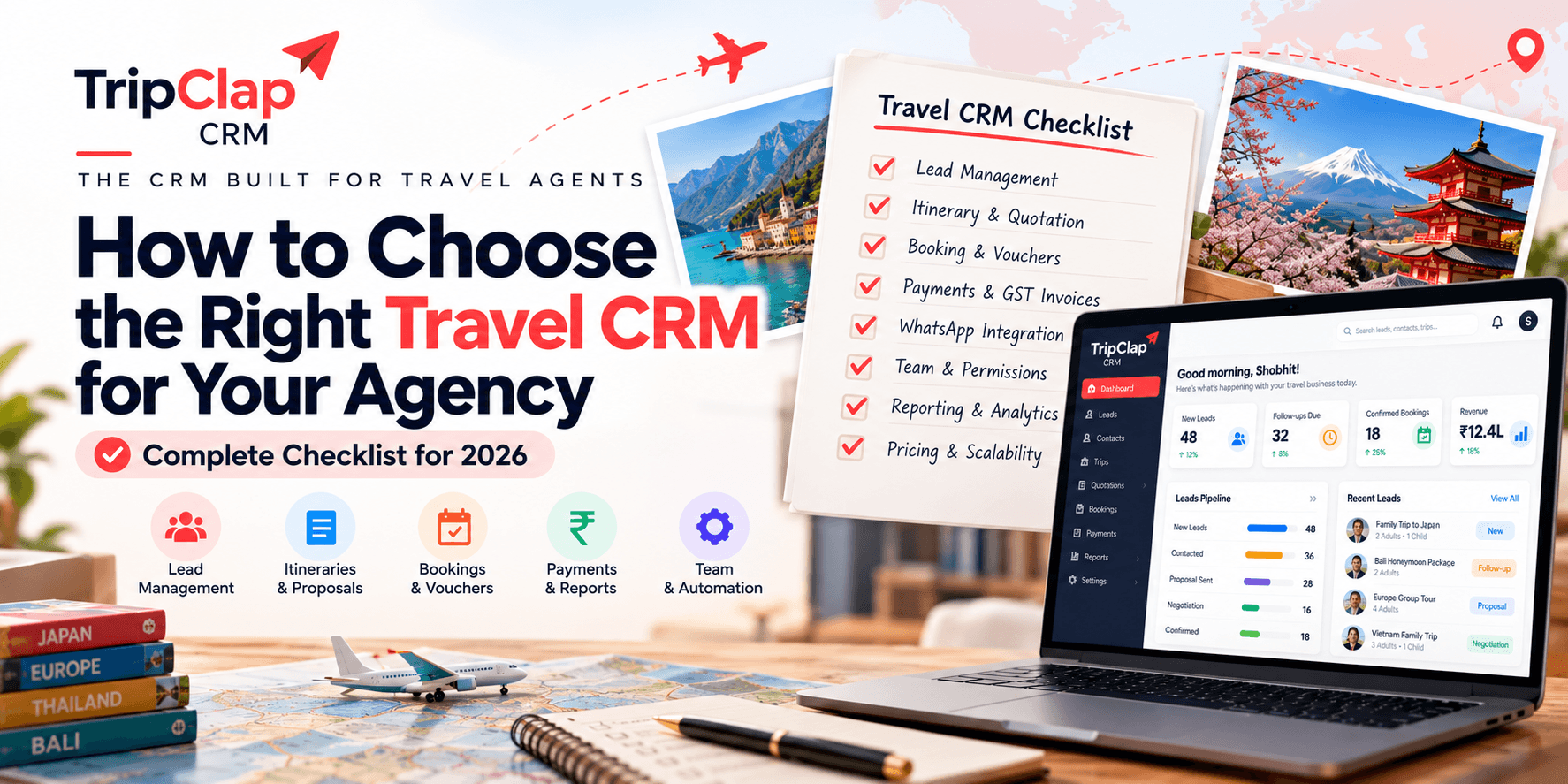
Short answer: Look for lead auto-capture from Meta and Google, an itinerary builder with pricing, GST invoices, payment links, WhatsApp integration, team reports and easy data export. Test it yourself with a free trial before you commit.
The problem isn't laziness. The problem is choosing a CRM that looks impressive in a demo but falls apart when you try to send a quotation at 10pm or track who owes you money.
I work at TripClap, so I'm biased toward our own travel agency CRM. But whether you choose us or someone else, this checklist will help you pick software you'll still be using a year from now.
The 25-point travel CRM checklist
I've grouped these by the job they do. Not every feature matters to every agency, but the ones that matter to you should work well.
| Feature | Why it matters |
|---|---|
| Lead capture & assignment | |
| 1. Facebook Lead Ads integration | Leads flow into the CRM automatically, no manual copy-paste from Meta. |
| 2. Google Ads lead form integration | Same reason. Your Google campaign leads should land in the CRM within seconds. |
| 3. Website form or webhook | Enquiries from your own website go straight into the system. |
| 4. Bulk lead upload | You get a list of 200 enquiries from an event or partner. Upload them in one go. |
| 5. Auto-assignment by source or round-robin | New leads get assigned to the right person without you playing traffic cop. |
| Follow-ups & pipeline | |
| 6. Pipeline stages (New, Follow Up, etc.) | See where every enquiry stands. Know who needs a call today. |
| 7. Reminders and follow-up calendar | The CRM tells you when to follow up. You stop forgetting hot leads. |
| 8. Lead activity log | See every call note, email and status change in one timeline. |
| Itinerary & quotation | |
| 9. Day-wise itinerary builder | Build a trip with hotels, flights, sightseeing. Not just a Word doc you email. |
| 10. Pricing and costing in the same tool | Show the customer a price and know your margin without opening Excel. |
| 11. Multiple PDF designs or web link | Your quotation should look professional. Bonus if you can share a live link instead of PDF. |
| 12. Copy from library or generate with AI | Don't start from scratch every time. Reuse what already sells or let AI draft it. |
| Operations | |
| 13. Booking vouchers | Once confirmed, issue a voucher with traveller names, hotel details, pickup times. |
| 14. Departure calendar | See everyone departing this week. Sync to Google Calendar so your phone reminds you. |
| 15. Supplier/vendor database | Store hotel contacts, transporter rates, guide phone numbers in one place. |
| 16. Cab or transfer management | If you run group tours or DMC operations, you need to assign cabs and track drivers. |
| Money | |
| 17. GST invoice with your GSTIN | Legal requirement. The invoice should auto-calculate GST and show your registration number. |
| 18. Razorpay or Cashfree payment link | Send a link on WhatsApp. Customer pays online. Money hits your account, CRM marks it received. |
| 19. Instalment and payment schedule | Collect ₹50,000 now, ₹60,000 before departure. Track what's due and what's paid. |
| 20. Payment ledger and outstanding report | Know who owes you money without checking your bank statement and Excel. |
| 21. WhatsApp Business API integration | Send itineraries, reminders and payment links from the CRM. See replies in one inbox. |
| Reporting | |
| 22. Lead source report | Which source brings the most enquiries? Which converts best? Stop guessing. |
| 23. Revenue and payment report | How much did we book this month? How much cash came in? By team member, by package. |
| 24. Team performance and target vs achieved | See who's closing deals and who needs help. Set monthly targets and track them. |
| Onboarding & exit | |
| 25. Data export (leads, bookings, payments) | Your data is yours. You should be able to download it as CSV or Excel anytime. |
This is the travel CRM checklist I use when an agent asks me what to look for. Not every CRM has all 25. Decide which ones you can't live without.
What to look for in a travel CRM beyond the feature list
Features are half the story. The other half is whether the software fits how you work.
Does it understand travel? A generic CRM built for real estate or insurance will make you wrestle with it every day. Look for a system where "itinerary", "departure date" and "tour package" are built-in concepts, not custom fields you have to create.
Can your team learn it in a day? If it takes a week of training videos before someone can add a lead, you'll have adoption problems.
Does it work on mobile? Your sales team is on the road. They should be able to update a lead status or check a departure from their phone without cursing the tiny buttons.
Is support in your language? If your team speaks Hindi and the support is only in English, you'll spend half your time translating error messages. At TripClap we offer support in Hindi and English because that's what our users need.
How to choose travel CRM software: 10 questions to ask in a demo
Most vendors will show you the happy path in a demo. Here's what to ask to see the rough edges:
- "Show me how a lead from Facebook gets into the system and gets assigned." If they say "you forward the email" or "you fill this form", that's manual work you'll hate in two weeks.
- "Build an itinerary for a 7-day Rajasthan tour with hotels and pricing, then send it to me on WhatsApp." Time how long it takes. If it's more than 10 minutes, imagine doing that five times a day.
- "How do I collect ₹50,000 now and ₹1 lakh later?" See if the payment schedule is a real feature or something you track in a notes field.
- "Show me the GST invoice for a booking." Does it look like an invoice a CA would accept, or a receipt you typed in Word?
- "Can I export all my leads and bookings to Excel right now?" If they hesitate or say "contact support", that's a lock-in risk.
- "What happens when I want to cancel or downgrade?" Look for the refund and cancellation policy on the website. If it's not published, ask directly.
- "Do you charge setup fees or onboarding fees?" Some CRMs advertise low monthly fees then add large setup or implementation charges.
- "Is there a limit on how many leads I can add or how many emails I can send?" Caps that aren't mentioned upfront will surprise you later.
- "Who do I call when something breaks at 9pm?" If the answer is "raise a ticket and we'll reply in 24 hours", know that going in.
- "Can I try this myself for a week before I pay?" A free trial with no credit card tells you the vendor is confident you'll see the value.
Red flags when evaluating travel CRM features
Here's what makes me tell an agent to walk away:
No trial or only a "guided demo" trial. If they won't let you click around on your own, they're hiding something.
Setup fees that cost more than a year of subscription. Some CRMs charge annual fees but add setup costs that exceed the subscription. That's a consulting project disguised as software.
Annual contract with no refund. Paying yearly is fine if you get a discount. But if they won't refund anything even if the software doesn't work, you're taking all the risk.
No published pricing. "Contact us for a quote" usually means they'll charge what they think you can pay. I prefer transparent pricing. At TripClap CRM, every plan and price is on the website.
Can't export your data. Your leads, your bookings, your customer list. If they make it hard to get that out, you're locked in.
Extra charges for "modules" that should be standard. Quotation builder as a paid add-on? Payment tracking costs extra? That's nickel-and-diming.
Why a free trial is the best way to choose a CRM
You can read reviews and watch demos all day. But the only way to know if a CRM works for you is to use it with your own leads and your own team.
The ones I kept using had three things in common: I could start without talking to sales, I could do real work in the trial, and I could see the pricing upfront.
A good free trial has no credit card gate, lasts at least 7 days, and gives you access to the features you'll actually use. If you have to "request a demo" just to see the software, that's a sales process, not a trial.
How we handle this at TripClap CRM (and where we fall short)
Since I work at TripClap, I should be transparent about what we do well and what we don't.
So we focused on things agents actually do every day: capture leads from Facebook and Google automatically, build itineraries that look good on WhatsApp, track payments and instalments, and see who's departing this week.
We offer WhatsApp Business on the official Meta Cloud API, GST invoices, Razorpay and Cashfree payment links, and an AI assistant that drafts replies and builds itineraries from one line of instruction. You get a dedicated relationship manager who speaks Hindi and English. The trial is 7 days, no credit card. Pricing is on the website: Growth at ₹14,999/year, Pro Plus at ₹19,999/year, Enterprise Elite at ₹24,999/year.
Where we fall short: we don't have a built-in phone dialer or call recording. If your team makes 100 calls a day and you want every call logged automatically, you'll need a separate tool.
Our refund policy is on the website. Annual plans are non-refundable once paid, except in rare cases where we can't deliver due to a major technical failure. If that's a deal-breaker, test the free trial thoroughly or choose monthly billing.
Travel CRM checklist: start with the jobs you do most
Don't try to evaluate all 25 points at once. Start with the three things you do every single day.
For most agencies, that's capturing leads, sending quotations, and tracking payments. If the CRM makes those three things faster and less error-prone, it's worth using. Everything else is a bonus.
If you're not sure what a travel CRM does or whether you need one, start there. If you're comparing specific tools, I wrote a guide on the best travel CRM software in India and another on travel CRM pricing that breaks down what different plans actually cost.
Frequently asked questions
What is the most important feature in a travel CRM?
Lead capture that actually works. If you're still copying enquiries from WhatsApp and email into the CRM by hand, you'll stop using it. Auto-capture from Facebook Ads, Google Ads and your website is the foundation. Everything else builds on that.
Should I choose a CRM with a phone dialer built in?
Only if your team makes 50+ calls a day and you want every call logged automatically. Most travel agencies do fine with a mobile phone and manual call notes. A dialer is nice to have, not essential. Don't reject a CRM just because it doesn't have one.
How long does it take to set up a travel CRM?
A good CRM should be usable in a day. Add your team, connect one lead source, build one itinerary, send one quotation. If it takes a week of training and configuration, the software is too complicated or the vendor is padding the setup project.
Can I use a free CRM for my travel agency?
Free CRMs exist, but they're usually generic tools like HubSpot or Zoho with no travel-specific features. You'll spend days building custom fields for "departure date" and "tour package". A paid travel CRM saves you that setup time. The question is whether your time is worth more than the subscription.
What should I do if my team resists using the CRM?
Resistance usually means the CRM makes their job harder, not easier. Ask them which part they hate. If it's "too many steps to add a lead" or "the quotation builder is slow", those are real problems. Either fix the workflow or choose different software. Don't force a tool that fights your team.
How do I move my data from Excel to a CRM?
Most CRMs let you upload a CSV or Excel file with leads or customers. Clean up your sheet first: one row per lead, consistent column names, no merged cells. The CRM will map your columns to its fields. Test with 10 rows before you upload 1,000. If the CRM doesn't have a bulk upload feature, that's a red flag.
My honest take
Choosing a CRM isn't about picking the one with the longest feature list. It's about picking the one your team will actually use six months from now.
Test it with real work during the trial. Add your leads. Build a real itinerary. Send a quotation. See if it feels faster or slower than what you do today. If it's slower, don't buy it just because the demo looked impressive.
If you want to see how TripClap CRM works with your own enquiries and your own team, start the 7-day free trial with no credit card and no sales call required. And if it's not the right fit, I'd rather you find that out in the trial than three months after you've paid.
About the author: GG is the founder and CEO of TripClap, which runs a family travel marketplace and TripClap CRM for travel businesses. He has 18+ years of experience building travel and SaaS products, including at IndiaMart’s HelloTravel, and holds an MBA from IIM Lucknow. Connect on LinkedIn.