September 24, 2026
Introducing AI Assistant in TripClap CRM: Ask Your Travel CRM Anything (Now on All Plans)
Meet AI Assistant — your in-house AI inside TripClap CRM. Ask questions in plain English, Hindi or Hinglish and get instant answers from your own leads, bookings, invoices, packages and reminders. Available on all plans.
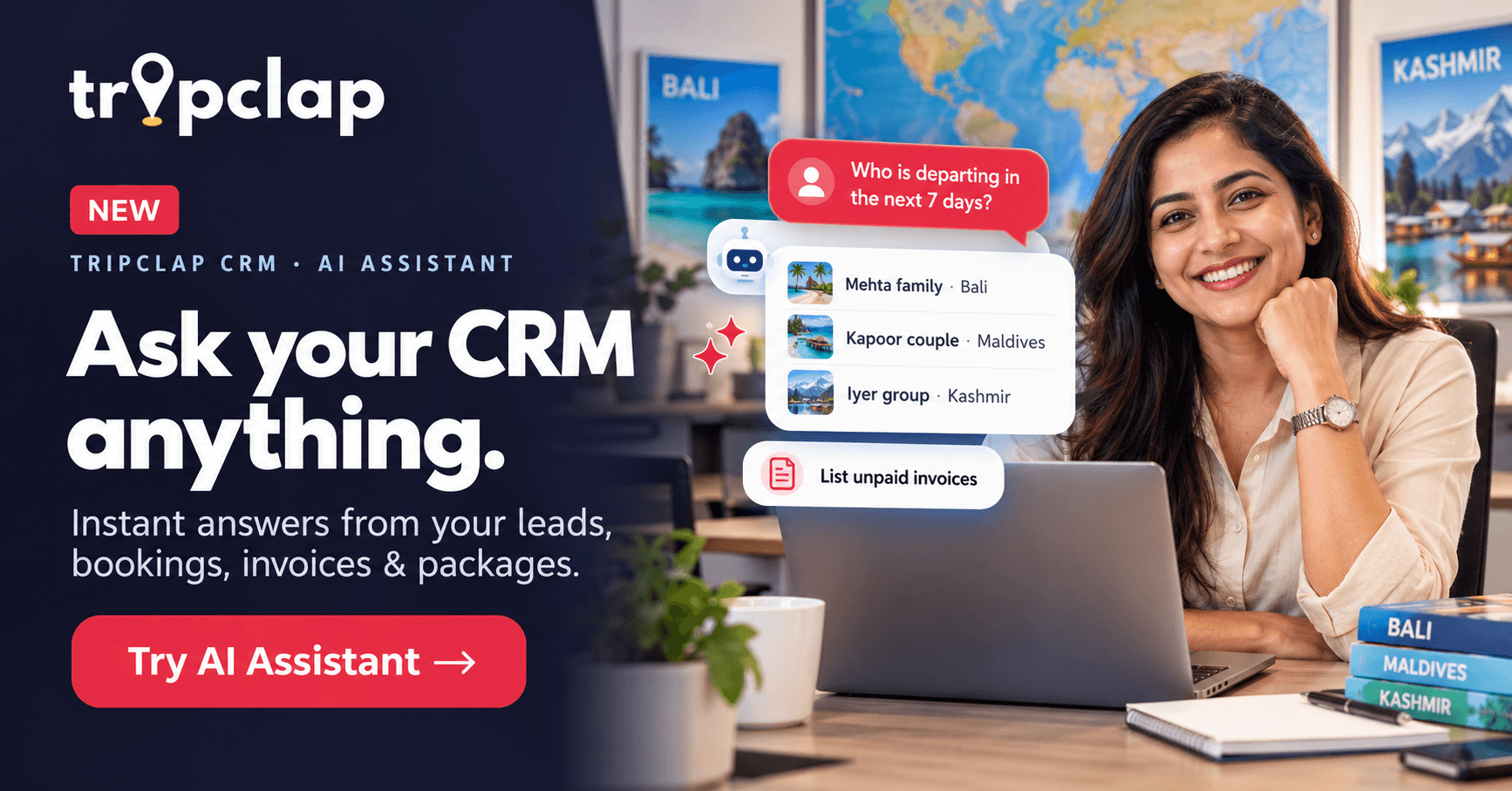
Running a travel agency means answering a hundred small questions every day. Which enquiries came in today? Who is flying out this week? Which clients still owe us money? What follow-ups did I promise? Until now, each of those answers meant opening a different screen, setting filters and scrolling through lists.
Not anymore. We are excited to introduce AI Assistant in TripClap CRM — your own in-house AI assistant that answers questions from your CRM data, in seconds, in plain language. And the best part: AI Assistant is available on all TripClap CRM plans, at no extra cost.
What is the TripClap CRM AI Assistant?
TripClap CRM AI Assistant is a built-in, ChatGPT-style assistant that lets travel agents, tour operators and DMCs ask questions about their own business data in plain English, Hindi or Hinglish. It reads your leads, bookings, invoices, packages and reminders inside TripClap CRM and replies with a clear, instant answer — no filters, no reports, no Excel exports.
Think of it as a smart colleague who knows every record in your CRM and never gets tired of your questions.
Why we built AI Assistant
Most travel agencies we speak to are not short of data — they are short of time. The information is already in the CRM, but finding it takes clicks, filters and patience. If you have ever moved from spreadsheets to a CRM (we wrote about why spreadsheets quietly hurt travel businesses), you know the next step is getting answers without hunting for them.
AI Assistant closes that gap. You ask. It answers. You get back to selling holidays.
What can you ask AI Assistant?
You can ask about anything stored in your TripClap CRM. Here are some real examples to try today:
1. Leads and enquiries
- "Show my new leads"
- "How many leads came from Facebook this week?"
- "Which leads have I not followed up with in the last 3 days?"
- "Show all Bali enquiries this month"
If you capture enquiries from ads, pair this with our guide on importing Facebook leads directly into your travel CRM — then ask AI Assistant to show you exactly which of those leads need attention.
2. Bookings and departures
- "Who is departing in the next 7 days?"
- "Which clients are returning this weekend?"
- "List all confirmed bookings for December"
3. Invoices and payments
- "List unpaid invoices"
- "Which invoices are overdue by more than 15 days?"
- "How much payment is pending this month?"
Because TripClap CRM already handles GST-compliant invoicing for travel agencies, AI Assistant can pull up your invoice and payment status instantly — perfect for your daily collection follow-ups.
4. Packages
- "Show my Kashmir packages"
- "Which packages are under ₹50,000?"
5. Reminders and daily planning
- "What reminders do I have today?"
- "What follow-ups are due tomorrow?"
Ask in English, Hindi or Hinglish
You don't need to type perfect English. AI Assistant understands Hindi and Hinglish too, so you and your team can ask the way you naturally talk:
- "Aaj kaun kaun travel kar raha hai?"
- "Kis client ka payment pending hai?"
- "Is hafte ke naye leads dikhao"
Bonus: AI Assistant can create automations for you
AI Assistant doesn't just answer questions. It can also create automations in your CRM — just describe what you want in plain words, and it sets up the automation for you. Automations are one of the most powerful features in TripClap CRM, and we will cover exactly how to use them with AI Assistant in our next blog post. Stay tuned!
Apart from creating automations, AI Assistant is a read-only helper — it fetches and summarises your data, while changes to leads, bookings or invoices remain in your hands.
How to start using AI Assistant (in 30 seconds)
- Log in to your TripClap CRM account.
- Click AI Assistant in the left sidebar (look for the New tag).
- Tap a suggested question like "Show my new leads" or type your own.
- Ask follow-up questions in the same chat to dig deeper.
- Click New chat anytime to start a fresh conversation.
Tips to get the best answers
- Be specific about time: "this week", "next 7 days", "in October" gives sharper results than "recently".
- Name the destination or client: "Show Dubai bookings" works better than "show bookings".
- Use follow-ups: after "List unpaid invoices", ask "Only the ones above ₹1 lakh".
- Make it a daily habit: start every morning with "What reminders do I have today?" and "Who is departing this week?"
Your data stays private and secure
We know your client data is the heart of your business. That's why:
- AI Assistant only answers from your own account's data. No other agency can see your information.
- Your data is not used to train AI models.
- Team permissions are respected. Every team member only sees answers from the data they already have access to in the CRM.
Available on every plan — so use it every day
Whether you are on Growth, Pro Plus or Enterprise Elite, AI Assistant is already live in your account. There's nothing to install and nothing extra to pay.
Our request to every TripClap CRM user: make AI Assistant your first stop. Before you open a report or apply a filter, just ask. The more you use it, the more time you save — time you can spend on what really grows your business: talking to travellers and closing trips.
New to travel CRMs? Read our complete guide on what travel CRM software is and how it helps Indian travel agencies.
Frequently Asked Questions (FAQs)
Is AI Assistant available on my plan?
Yes. AI Assistant is currently available on all TripClap CRM plans — Growth, Pro Plus and Enterprise Elite — at no extra cost.
Where do I find AI Assistant in TripClap CRM?
Log in and click AI Assistant in the left sidebar. It is marked with a New tag.
What kind of questions can I ask?
You can ask about your leads, bookings, departures, invoices, payments, packages and reminders — for example, "Who is departing in the next 7 days?" or "List unpaid invoices".
Can I ask questions in Hindi or Hinglish?
Yes. AI Assistant understands English, Hindi and Hinglish, so your whole team can use it comfortably.
Can AI Assistant make changes to my data?
AI Assistant can create automations for you. Other than that, it only reads and summarises your data — it does not edit leads, bookings or invoices.
Is my data safe? Is it used to train AI?
AI Assistant answers only from your own account's data, no other agency can see it, and your data is not used to train AI models.
Will my team members see all company data?
No. AI Assistant respects user permissions — each team member only gets answers from the data they already have access to in the CRM.
Do I need to set anything up?
No setup is needed. AI Assistant works on the data already in your TripClap CRM account from day one.
What if the answer isn't what I expected?
Try rephrasing with more detail — add a date range, destination or client name — or ask a follow-up question. You can also reach our support team for help.
Try AI Assistant today
AI Assistant is live now in your TripClap CRM account. Open it from the sidebar and ask your first question — we'd love to hear what you ask it most!
Not a TripClap CRM user yet? Explore TripClap CRM — the travel CRM built for Indian travel agents, tour operators and DMCs — or call us at +91 82877 76858 for a quick demo.