April 14, 2026
Travel CRM vs Excel: Why Spreadsheets Are Quietly Killing Your Travel Business
Still managing travel leads in Excel? Discover exactly what a Travel CRM does that spreadsheets cannot — from automated follow-ups and GST invoices to itinerary building — and how to switch without losing a single lead.
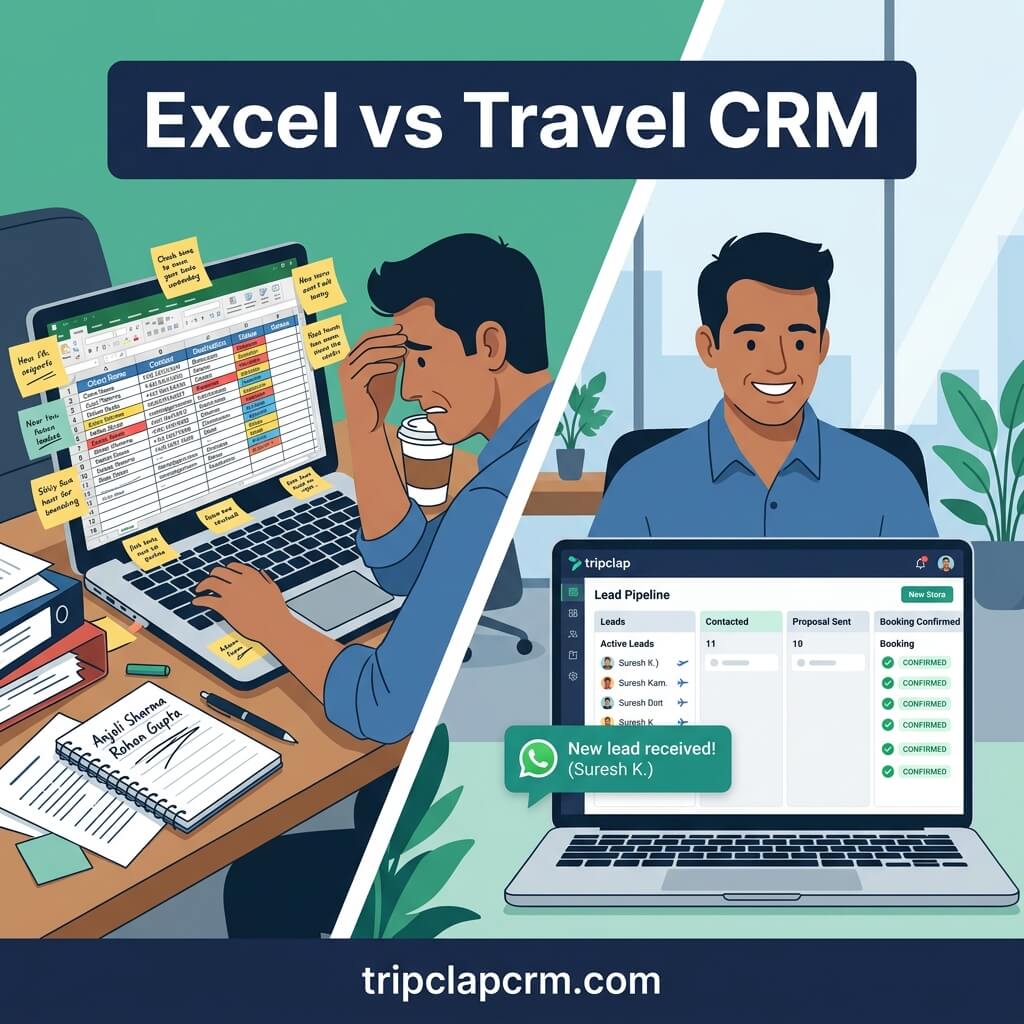
Travel CRM vs Excel — what is the actual difference?
Excel is a static spreadsheet — it stores data but cannot send follow-ups, generate itineraries, issue GST invoices, or alert you when a lead goes cold. A Travel CRM does all of this automatically. The critical difference is that Excel demands constant manual input, while a Travel CRM works for you in the background — even when your team is occupied with other clients.
Open the laptop of almost any Indian travel agent and you will find them: multiple Excel sheets labelled 'Leads March 2025', 'Leads April v2', 'Bookings pending', 'Payments due FINAL'. Some are colour-coded. Some have formulas that break when someone adds a new column. Most are not backed up.
We are not here to judge. Excel is familiar, free, and does a decent job of storing information. The problem is not what Excel does — it is what Excel cannot do. And in the travel business, those limitations are costing agencies real money every single month.
This post breaks down the specific ways Excel holds your agency back, what a Travel CRM does differently, and — crucially — how to make the switch without losing a single lead you have already been tracking. Not sure what a Travel CRM actually is and how it works? Start there first.
The 7 ways Excel is silently costing your agency money
1. Excel cannot follow up for you
This is the single most expensive limitation. When a lead comes in on a Tuesday evening for a Bali package, your agent notes it in the spreadsheet. But the spreadsheet does nothing with that note. It does not send a WhatsApp response, does not schedule a follow-up call for Thursday, and does not flag that the lead has gone cold by Saturday.
Studies across the travel industry consistently show that the agency that responds first — within 15 minutes — wins the booking a majority of the time. Your client sent the same enquiry to four other agencies the moment they sent it to you. The one that replied instantly with a professional message got the conversation started.
Excel stores the lead. A Travel CRM responds to it — automatically, within minutes, even if your team is asleep.
Real agency situation: A tour operator in Pune described managing 60 active leads across three Excel sheets. Every Monday morning he would spend 2 hours manually reviewing which leads needed follow-ups. By the time he called, many clients had already booked with a competitor who followed up 48 hours earlier. After switching to a Travel CRM with automated follow-up sequences, his conversion rate improved significantly — not because his prices changed, but because no enquiry went cold.
2. Excel cannot tell you which leads are going cold
In Excel, all rows look equally static. There is no way for a spreadsheet to alert you that the lead in row 47 enquired 8 days ago and has not received a follow-up since. You have to remember to check. You have to remember to look.
A Travel CRM has pipeline stages with time-based visibility. You can see at a glance that 12 enquiries are in the 'Quotation sent' stage and 5 of them have not been followed up for more than 3 days. The CRM sends you an alert before the lead goes cold — not after you have lost it.
3. Excel cannot build an itinerary
One of the most time-consuming tasks for any travel agent is building a quotation. A Maldives honeymoon package for 5 nights — researching hotels, adding transfers, noting inclusions, formatting it professionally, converting it to PDF, sending it to the client. In Excel, this means a separate Word document, Canva template, or manual PDF — tools that do not connect to your lead data and have to be rebuilt from scratch for every enquiry.
A Travel CRM has an itinerary builder where you drag in hotels, flights, and activities — all pre-populated from your supplier database. The branded PDF is generated in minutes, not 45 minutes. And it is automatically linked to the lead so anyone on your team can see what was proposed and when.
Agencies consistently report that professional, well-designed itineraries close at significantly higher rates than plain-text proposals. The itinerary is a sales tool — and Excel cannot build one.
4. Excel cannot issue GST-compliant invoices
For Indian travel agencies, every confirmed booking requires a GST-compliant invoice with the correct tax codes for the services rendered — whether it is a tour package, hotel booking, or flight ticket. In Excel, this means manually building an invoice in a separate template, calculating GST, exporting to PDF, and emailing it.
A Travel CRM generates the invoice automatically at the moment of booking confirmation — with correct GST codes, payment terms, and your agency branding. It then sends it directly to the client via email and generates a Razorpay or Cashfree payment link. The entire payment workflow, from invoice to collection to reminder, runs without a single manual step.
5. Excel breaks when your team grows
When you are a solo agent, a single Excel sheet can work adequately. The moment you add a second person, you have a collaboration problem. Who has the latest version? Did your colleague update the status of the Bali lead? Did someone accidentally delete a formula?
Agencies that move from one agent to three will almost always end up with multiple versions of the same spreadsheet, conflicting data, and at least one significant error — a booking entered twice, a payment marked as collected when it was not, a lead assigned to both agents simultaneously.
A Travel CRM is cloud-based and real-time. Everyone sees the same data simultaneously. Lead assignments are tracked. Changes are logged. No version conflicts, no overwritten data, no confusion about who owns which enquiry.
6. Excel cannot tell you your profit per booking
This is the financial blindspot that surprises most agency owners when they first see it clearly. In Excel, you might track revenue per booking — but do you have a column for every cost item? Hotel net rate, flight commission, visa fees, transfer costs, markup, GST payable? And do those numbers link dynamically, so that when a hotel changes the rate, the P&L updates automatically?
Most agencies running on Excel have no reliable, real-time view of their margin per booking. They know roughly what they earn — but roughly is not good enough when a client asks for a last-minute discount, or when you are comparing two options for a client package.
A Travel CRM tracks the P&L of every lead — what you earn and what you pay out — in real time, per booking. You know your margin before you confirm, not after.
7. Excel is not where your leads are
Your leads arrive on WhatsApp, Facebook, your website, Instagram DMs, and phone calls. Every time a new enquiry comes in through any of these channels, someone on your team has to manually open Excel and type the details. This is not just slow — it is a source of errors and omissions. A WhatsApp enquiry that comes in during peak hours gets noted 'later'. Later sometimes becomes never.
A Travel CRM captures leads automatically from every source. Facebook Lead Ads flow in without any manual action. Website enquiry forms create a new lead the moment they are submitted. Existing contacts can be bulk-imported from Excel once — and then the CRM handles everything from that point forward.
Excel vs Travel CRM — side by side
This table is the clearest way to see the operational gap:
| Task | Excel | TripClap CRM |
|---|---|---|
| New lead arrives at 11 PM | Sits in inbox until someone adds it manually tomorrow | Auto-captured, first-response WhatsApp sent within minutes |
| Follow-up scheduling | Manual — you must remember to check and call | Automated sequence: Day 1, Day 3, Day 7 follow-ups without your involvement |
| Itinerary building | Word/Canva doc built manually — 45–90 mins per package | Drag-and-drop builder with supplier rates — branded PDF in minutes |
| GST invoice generation | Manual template, separate tool, email separately | Auto-generated at booking confirmation, sent with Razorpay payment link |
| Lead goes cold alert | No alert — you discover it when you remember to check | CRM flags unattended leads — team receives notification before it is too late |
| Profit per booking | Manual calculation — often not done consistently | Real-time P&L per lead — know your margin before you confirm |
| Team collaboration | Version conflicts, overwritten data, confusion | Shared real-time access — everyone sees live data simultaneously |
| Payment reminders | Manual call or WhatsApp message | Automated reminder before each instalment due date |
| Departure day message | If you remember to send it | Auto 'Happy Journey' message sent 24 hours before departure date |
| Lead source tracking | Not tracked — you would have to add a manual column | Automatic — every lead is tagged with its source (Facebook, website, walk-in) |
| Moving existing data in | Your data is already in Excel — but stuck there | Bulk import from Excel — your leads, contacts, and booking history come with you |
The switch is easier than you think — your Excel data comes with you
The most common reason travel agents delay switching from Excel to a CRM is this: 'I have years of data in my spreadsheets. I don't want to start from scratch.'
You do not have to.
TripClap CRM supports bulk import of leads and contacts directly from Excel. Your existing spreadsheet — with client names, phone numbers, email addresses, destination history, and booking status — can be uploaded in a standard format and imported into your CRM in minutes. Every lead you have been tracking for months or years comes with you.
How bulk Excel import works in TripClap:
- Export your leads or contacts from your current Excel sheet as a CSV file.
- Map the columns to TripClap's fields (Name, Phone, Email, Destination, Status, etc.) using the import wizard.
- Review and confirm — TripClap shows you a preview before the import completes.
- Your entire lead database is now inside the CRM, with full pipeline visibility, ready for follow-up automation to start working.
This is the bridge that makes switching practical, not theoretical. You are not abandoning your history — you are bringing it into a system that will actually use it.
And unlike Excel, where that data sits passively waiting for you to do something with it, TripClap immediately flags which of your imported leads have not been followed up recently, which clients have not booked in the past 6 months, and which enquiries are still marked open with no quotation sent.
Your existing data becomes actionable the moment it is inside the CRM.
What the numbers look like when you make the switch
The ROI of switching from Excel to a Travel CRM is not abstract. Here is a concrete model based on a mid-sized Indian travel agency receiving 80 enquiries per month:
| What changes | With Excel | With TripClap CRM |
|---|---|---|
| Leads lost to slow/no follow-up | 18–22 per month (22–28%) | 3–5 per month (<6%) |
| Time spent on itinerary building | 60–90 min per package | 8–15 min per package |
| Time spent on invoicing | 20–30 min per booking | 2–3 min (auto-generated) |
| Missed payment reminders | Common — manual process | Zero — fully automated |
| Conversion rate (enquiry → booking) | 12–15% | 18–25% (faster response) |
| Monthly bookings (from 80 enquiries) | 9–12 | 14–20 |
| Revenue impact (₹40,000 avg. booking) | ₹3.6L–₹4.8L | ₹5.6L–₹8.0L |
| CRM cost | ₹0 | ₹1,999–₹3,999/month |
The CRM pays for itself within the first week — if even one booking that would have gone cold is instead saved by an automated follow-up.
Common objections — and the honest answers
'My team is comfortable with Excel. Learning a new tool will slow us down.'
A modern Travel CRM is designed to be adopted without training programmes. TripClap's interface maps directly to how travel agents already work — enquiry comes in, you quote, you follow up, you confirm, you collect payment. The pipeline stages mirror your natural workflow, not a generic sales funnel.
Most agencies report their team is fully operational within 48 hours. The initial slowdown during the first two days is recovered in the first week when automated follow-ups start running and nobody has to manually chase leads.
'We have too many leads in Excel to migrate.'
This is exactly what bulk import solves. Whether you have 200 leads or 2,000, the import process is the same: export from Excel as CSV, map the columns, import. Your entire history is inside the CRM in under an hour. TripClap's team will assist you if the column mapping is complex — it is a supported part of onboarding.
'A CRM sounds expensive.'
TripClap's Growth plan is ₹1,999/month for a team of up to 5 people. That is ₹66 per day. One booking that would have been lost to a cold lead — recovered by an automated follow-up — is worth more than a year of the subscription. The question is not whether you can afford a CRM. It is how much your current Excel process is costing you in lost bookings every month.
'We tried a CRM before and it didn't work for travel.'
Most 'CRMs that didn't work' were generic tools — Zoho, HubSpot, Freshsales — configured for salespeople, not travel agents. They lacked an itinerary builder, did not understand GST invoicing, and required months of customisation before they matched a travel agency workflow. TripClap is purpose-built for the travel industry. There is nothing to configure — it works for travel from the first day you log in.
Read our full guide: What Is Travel CRM Software and How Does It Work
How to switch from Excel to TripClap in 5 steps
Here is the practical process — from opening your Excel file to having your entire team live on TripClap:
- Open tripclapcrm.com and register for free — no credit card required. Your account is live immediately.
- Open your main leads Excel file. Clean the data: one row per lead, consistent column headers (Name, Phone, Email, Destination, Status, Date). Export as CSV.
- In TripClap, go to the Lead Import section. Upload your CSV. Use the column mapping tool to match your headers to TripClap's fields. Preview the import.
- Confirm the import. All your leads are now in the CRM with their history intact. TripClap will immediately flag which leads are overdue for follow-up.
- Set up your first automation: a follow-up sequence for new leads (Day 1 / Day 3 / Day 7). Connect your Facebook Lead Ads and website enquiry form. You are fully operational.
Frequently asked questions
Can I import my existing Excel leads into TripClap CRM?
Yes. TripClap CRM supports bulk import of leads and contacts from Excel via CSV upload. You export your current spreadsheet as a CSV file, map the column headers to TripClap's lead fields using the import wizard, preview the data, and confirm. Your entire lead database — names, phone numbers, email addresses, destinations, booking status — is imported in minutes. TripClap's onboarding team assists with the column mapping if your spreadsheet has a non-standard structure.
Is Excel good enough for a travel agency?
Excel works adequately for a solo agent managing 10–15 enquiries per month with a simple workflow. Beyond that, it becomes a liability. Excel cannot automatically follow up on leads, alert you when an enquiry goes cold, build a professional itinerary, generate a GST-compliant invoice, or send an automated payment reminder. For any agency receiving 30+ enquiries per month or running a team of 2 or more people, the operational gaps in Excel directly translate to lost bookings and revenue.
How long does it take to switch from Excel to a Travel CRM?
With TripClap CRM, most agencies are fully operational within 24–48 hours of registering. The bulk Excel import typically takes under an hour. Setting up the first automation sequences (lead follow-ups, payment reminders, departure alerts) takes another 1–2 hours. Your team does not need formal training — TripClap's interface maps directly to the travel agency workflow they already know.
What data can I bring from Excel to TripClap?
You can import any lead or contact data that is stored in Excel: client names, phone numbers, email addresses, destination preferences, enquiry dates, booking status, travel dates, and notes. Financial records and historical invoices from before your CRM adoption are best kept in Excel for reference — TripClap will manage all new invoices from the point of import. There is no limit on the number of leads you can import.
Does TripClap replace Excel completely?
For day-to-day agency operations — lead management, quotations, itineraries, invoicing, payment tracking, and team coordination — yes, TripClap replaces Excel entirely. You may still use Excel for specific financial reporting or analysis that you prefer to do outside the CRM, and TripClap's data can be exported back to Excel at any time. But your operational workflow — everything from the first enquiry to the final payment — should live in the CRM, not a spreadsheet.
The decision is simpler than it looks
Excel served you well when your agency was small and every lead arrived from word of mouth. It is the wrong tool for a growth-stage agency managing leads from Facebook, websites, walk-ins, and referrals simultaneously — with a team of people who all need to see the same data in real time.
The businesses growing fastest in the Indian travel market right now are not the ones with the lowest prices. They are the ones that respond first, follow up consistently, and present professional proposals. None of that requires being the biggest agency in the room. It requires the right system.
Your data is already in Excel. Bring it with you.
Start free today — your Excel data comes with you. Free registration at tripclapcrm.com. No credit card. Bulk import your existing leads in under an hour. Call +91-8069186564 for a guided onboarding session.