November 16, 2026
Fixed Departure Management Software for Group Tours
Seat inventory, per-head costing, rooming lists, instalments per traveller, departure calendar and vouchers—how a CRM handles fixed departure group tours.
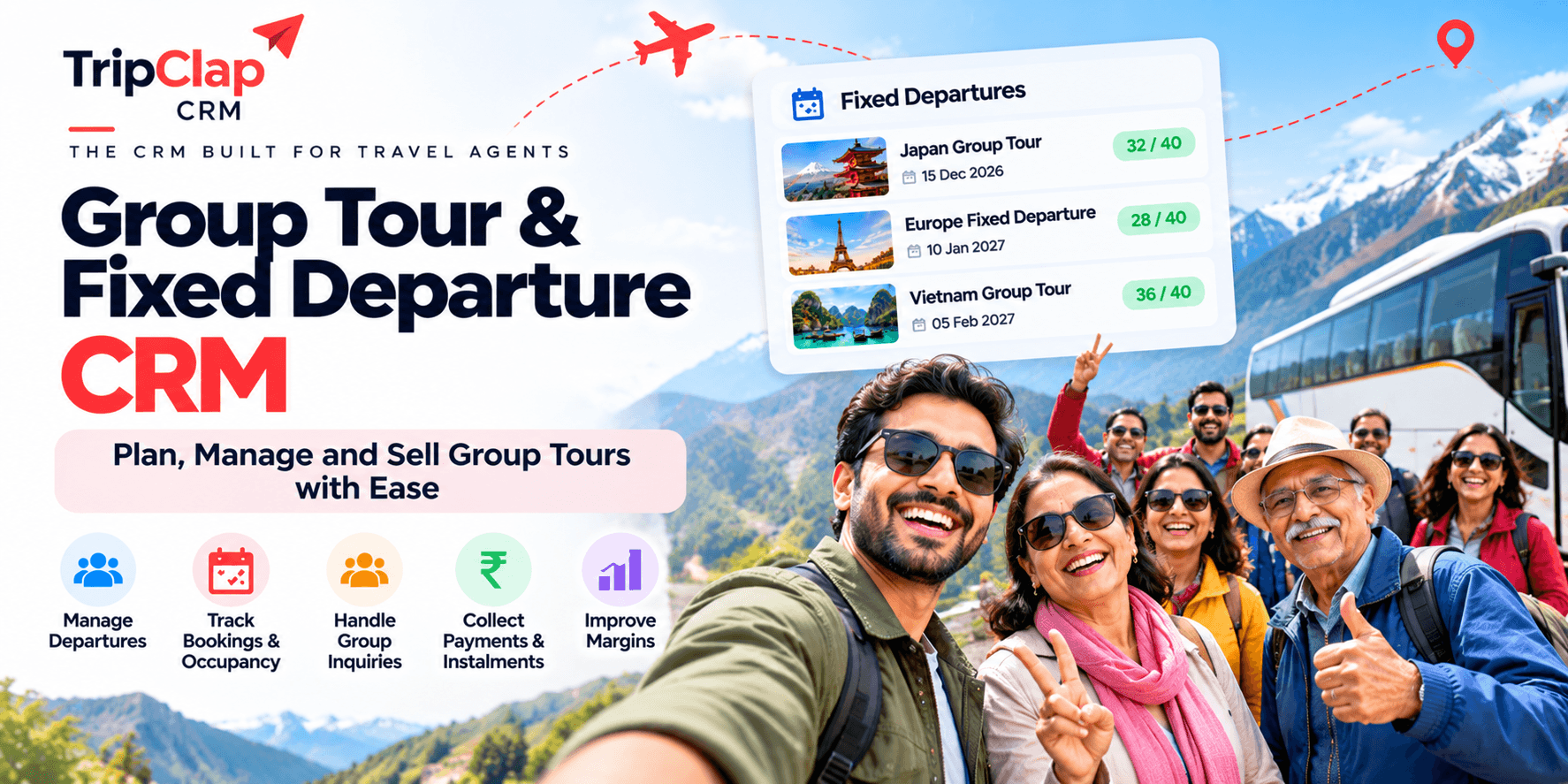
Short answer: Fixed departure management software helps tour operators track seat inventory, calculate per-head costs, manage rooming lists, collect instalments per traveller, sync departures to Google Calendar and issue vouchers, all from one system instead of Excel and WhatsApp.
The problem is never the itinerary. It is the operational chaos.
For example, imagine you have 24 seats on a Dubai group. Six people confirm. Then two more. Then one cancels. Then someone wants to bring their mother-in-law. Meanwhile you are tracking payments in Excel, rooming lists in a notebook, and pre-departure WhatsApp messages in three different groups.
This article is about how a CRM for tour operators handles fixed departures, seat inventory, per-head costing, part payments, departure calendar, vouchers and pre-departure communication, so you can scale group tours without hiring someone just to manage spreadsheets.
What makes fixed departure tours different from FIT bookings?
FIT is one family, one itinerary, one payment cycle. Fixed departures are the opposite.
You have one departure date, one bus, one set of hotel rooms, and 15 to 40 individual travellers who book at different times, pay in instalments, need different room configurations, and ask different questions.
You need to know at any moment: how many seats are confirmed, how many are on hold, who has paid what, which rooms are twin-sharing and which are triple, who needs a vegetarian meal, and whether you have hit the minimum group size to confirm the departure.
Seat inventory and booking confirmations
Most group tour management software tracks availability by departure date. You set a total seat count, say 24 for a Dubai group, and the system shows you how many are confirmed, on hold, or still available.
In TripClap CRM, each fixed departure is a booking linked to a specific date in the departure calendar. When a traveller confirms, you add them as a passenger under that booking. The calendar shows you the departure, the passenger count, and the status (confirmed, voucher issued, payment pending).
You do not need a separate inventory module. The departure calendar is the inventory.
If you run multiple departures of the same tour, say Dubai every Friday, you create one booking per departure date. Each booking tracks its own passenger list, payments and vouchers.
Per-head costing and group pricing
Fixed departures are priced per person. Your cost structure is different depending on how many people actually travel.
A 40-seater coach costs the same whether 20 people or 40 people board. Hotels give you a group rate for 20 rooms but charge a higher per-room rate if you book only 10. Meals are usually per head. Entrance tickets are per head. The guide charges a fixed fee.
You build a cost sheet in Excel: fixed costs (coach, guide), variable costs (hotels at X rooms, meals at Y heads), then divide by expected passenger count to get the per-head cost. Add your margin. That is your selling price.
The travel CRM does not usually calculate your cost dynamically as bookings come in. You set the per-person price when you create the package. If the group size changes enough to affect your margin, you adjust the price manually or offer an early-bird rate to fill seats faster.
What the CRM does track is how much you have collected per passenger and how much is outstanding across the whole group.
Managing rooming lists and passenger details
You need to know who is sharing a room with whom, who needs a single supplement, who is travelling with an infant, and who has a passport expiring in three months.
In TripClap CRM, each booking has a traveller section. You add passengers one by one: name, contact, age, ID proof. You can mark couples, families, and room-sharing preferences in the notes or in a custom field.
The voucher pulls this data. When you generate the hotel voucher, it lists all passengers and their room configuration. You send that voucher to the hotel, and they prepare the rooming list.
If you run large groups, 30 or 40 people, you might keep a separate Google Sheet for rooming details and link it in the CRM notes. That works. The point is to have one place where the operations team can see the full passenger manifest without asking you.
Collecting part payments per traveller
Fixed departure bookings are almost always paid in instalments. A family of four books in August for a December departure. They pay ₹20,000 as advance. Then ₹40,000 in October. Then the balance two weeks before travel.
You need to track who has paid what, send reminders for the next instalment, and know your total outstanding across all passengers on that departure.
TripClap CRM has a payment ledger under each booking. You record every payment with the date, amount, and mode (UPI, bank transfer, Razorpay link). The ledger calculates the outstanding automatically.
On the Enterprise Elite plan, you can set up a payment schedule: three instalments due on specific dates. The system shows you which instalments are due this week across all your departures. You can send payment link reminders in bulk.
I wrote a separate article on collecting travel payments with instalments and payment links if you want the full process.
Departure calendar synced to Google Calendar
You do not want to miss a departure because you forgot to check your CRM.
TripClap CRM syncs your departure calendar to Google Calendar. Every confirmed booking shows up as an event with the departure date, destination, passenger count, and booking status.
Your operations team sees it in their own Google Calendar. They get a notification the day before. They can add reminders, mark tasks, and share the calendar with vendors.
This is basic but critical. I have seen operators miss a coach booking because the departure was buried in a WhatsApp chat.
Issuing vouchers for group bookings
Hotels, transport vendors and ground handlers need a voucher with the passenger list, booking reference, services included, and payment terms.
TripClap CRM generates vouchers from the booking. You pick the vendor (hotel, transporter, guide), select the services, and the system creates a PDF with your company letterhead, passenger names, and booking details.
You can issue separate vouchers for the hotel, the coach operator, and the guide, all from the same booking. Each voucher shows only the services that vendor is responsible for.
The vendor gets the voucher by email or WhatsApp. You keep a copy in the CRM under that booking. No more searching through Gmail for the hotel voucher you sent three weeks ago.
Pre-departure communication and WhatsApp broadcasts
A week before departure, you need to send the final itinerary, reporting time, packing tips, and emergency contact to all 24 passengers.
You can do this manually: copy 24 phone numbers into WhatsApp, paste the message, send. Or you can use WhatsApp broadcasts.
TripClap CRM integrates with WhatsApp Business API on the Enterprise Elite plan. You create a broadcast list from the passenger contact details in a booking, write your message once, and send it to everyone.
You can also set up message templates for common scenarios: payment reminder, final itinerary, day-before-departure checklist, thank-you-after-trip. The templates sit in the CRM. You pick one, select the departure, send.
This is not marketing automation. This is operational communication that used to take 30 minutes and now takes two.
Worked example: a 24-pax Dubai group departure
Let me walk through how this looks in practice.
You are running a 4-night Dubai group tour departing on 15 January 2027. You have 24 seats. The package is ₹32,999 per person, including flights, hotels, visa, sightseeing and one meal per day.
Step 1: Create the fixed departure package. You build the itinerary once using the itinerary builder—day-wise plan, inclusions, exclusions, pricing. You set the departure date as 15 January. You mark it as a group departure with 24 seats.
Step 2: Bookings start coming in. A couple books in November. You add them as passengers under the 15 January booking. They pay ₹20,000 advance via Razorpay. You record the payment. Outstanding: ₹45,998.
A family of four books in December. You add four passengers. They pay ₹60,000 advance. You record it. Now you have six passengers confirmed, ₹80,000 collected, ₹1,17,994 outstanding across the group.
Step 3: Set payment schedules. You set three instalments for each passenger: advance on booking, second instalment by 25 December, balance by 5 January. The CRM shows you who has paid what and who has an instalment due this week.
Step 4: Track the rooming list. The couple wants a twin room. The family wants two twin rooms. You note this in the booking. As more passengers confirm, you update the rooming preference. By 1 January, you have 20 passengers confirmed: 8 twin rooms, 2 triple rooms.
Step 5: Issue vouchers. On 5 January, you generate the hotel voucher with the passenger manifest and rooming list. You send it to the Dubai hotel by email. You generate a separate voucher for the ground handler with the sightseeing plan and meal requirements. You generate a coach voucher for the transport company.
Step 6: Pre-departure communication. On 10 January, you send a WhatsApp broadcast to all 20 passengers: final itinerary PDF, reporting time at the airport, packing checklist, emergency contact number. Everyone gets the same message. You do not have to type it 20 times.
Step 7: Departure day. The 15 January departure shows up in your Google Calendar with a reminder. Your operations manager checks that all passengers have been sent their e-tickets and that the ground handler has confirmed pickup.
The booking stays in the CRM with the full passenger list, all payments, all vouchers, and all communication history. If a passenger calls you three months later asking for a trip certificate, you open the booking and have everything.
What fixed departure management software does not do
Be clear about what a CRM handles and what it does not.
It does not calculate your per-head cost dynamically. You set the price. If your group size changes and your margin shrinks, you decide whether to adjust the price or absorb the cost.
It does not manage seat allocation by bus row or flight seat number. You track total seats and passenger count. Seat assignment within the coach or aircraft is handled separately.
It does not auto-confirm a departure when you hit minimum group size. You confirm the departure manually. The CRM shows you the current booking count so you can decide.
It does not handle visa applications or travel insurance. You can attach visa documents to a passenger profile and note insurance policy numbers, but the actual application process is outside the CRM.
It does not do group meal planning by dietary preference. You can note who is vegetarian or has an allergy in the passenger details, then share that list with your ground handler. The CRM is not a meal-planning tool.
How TripClap CRM handles fixed departures
I run TripClap, so I will tell you exactly what the CRM does for group tours and where it falls short.
What it does well: The departure calendar syncs to Google Calendar, so your team never misses a departure. The payment ledger tracks every instalment across all passengers in one booking. Vouchers pull passenger names and rooming details automatically. WhatsApp broadcasts (Enterprise Elite) send pre-departure messages to the full group in one click. The AI assistant can answer questions like "who departs in the next 7 days?" or "list unpaid invoices" in plain English.
Where it falls short: There is no dedicated seat-inventory widget that shows real-time availability across multiple departure dates on one screen. You have to open each booking to see the passenger count. There is no built-in rooming-list template that auto-assigns rooms by preference, you manage that in notes or a linked Google Sheet. The system does not calculate per-head cost or margin dynamically as bookings come in; you set the price once and adjust manually if needed.
If you run 5 to 10 fixed departures a month, TripClap CRM handles it. If you run 50 departures a month with complex inventory rules, you might need a more specialised group-tour platform.
Comparing fixed departure management software
Here is how a few tools handle group tours. Prices checked on vendor websites in November 2026.
| Software | Seat inventory | Payment tracking | Departure calendar | Vouchers | WhatsApp integration | Starting price (annual) |
|---|---|---|---|---|---|---|
| TripClap CRM | Per-booking passenger count | Payment ledger, instalments, schedules (Enterprise Elite) | Yes, syncs to Google Calendar | Yes, vendor-wise | Yes (Enterprise Elite) | ₹14,999/year |
What to look for in a group tour management CRM
If you are evaluating software, here is what matters for fixed departure operations.
Passenger-level tracking. Can you add multiple passengers under one booking and track their individual payments and details? If the system treats a group booking as a single line item, it will not work for fixed departures.
Payment schedules and reminders. Can you set instalment due dates and get a list of passengers with payments due this week? If you have to check every booking manually, you will miss collections.
Departure calendar that your team actually sees. Does it sync to Google Calendar or Outlook so your operations manager gets reminders? A calendar inside the CRM that nobody opens is useless.
Voucher generation with passenger manifest. Can the system pull passenger names, room types and service details into a voucher template? If you have to type the rooming list into a Word document every time, the CRM is not saving you work.
Broadcast communication. Can you send the same message to all passengers on a departure without copying phone numbers into WhatsApp manually? If not, pre-departure communication will still take 30 minutes per group.
Reports by departure date. Can you see total revenue, outstanding payments and passenger count by departure? If the system only shows aggregated numbers, you cannot manage individual group profitability.
Checklist: setting up a fixed departure in your CRM
Use this when you launch a new group tour.
- Create the itinerary with day-wise plan, inclusions, exclusions and per-person price.
- Set the departure date and total seat count.
- Add the tour to your website or TripClap marketplace so enquiries flow into the CRM.
- When a booking comes in, add passengers with full name, contact, age and ID proof.
- Record the advance payment and set the instalment schedule.
- Note rooming preferences in the booking (twin, triple, single supplement).
- When the group is confirmed, generate vouchers for hotel, transport and ground handler.
- One week before departure, send a WhatsApp broadcast with final itinerary and reporting instructions.
- Sync the departure calendar to Google Calendar so your operations team gets reminders.
- After the trip, record the final payment and mark the booking complete.
Frequently asked questions
Can I manage multiple departure dates for the same tour in one CRM?
Yes. You create one package (the itinerary and pricing), then create separate bookings for each departure date. Each booking tracks its own passenger list, payments and vouchers. The departure calendar shows all upcoming dates in one view.
How do I handle last-minute cancellations without messing up the rooming list?
Mark the passenger as cancelled in the booking and record any refund in the payment ledger. Update the rooming list in the notes or in your linked Google Sheet. Regenerate the hotel voucher with the updated passenger count and send it to the hotel. The CRM keeps the cancelled passenger's record so you have the history.
Can the CRM calculate per-head cost if I add or remove passengers?
No. You set the per-person price when you create the package. If your group size changes enough to affect your margin, you adjust the price manually. The CRM tracks how much you have collected and how much is outstanding, but it does not recalculate cost dynamically.
How do I send different messages to different passenger groups on the same departure?
In TripClap CRM, you can filter passengers by a custom tag (for example, "vegetarian" or "early check-in") and send a WhatsApp broadcast to that subset. Or you send individual messages from the passenger contact card. The system does not have conditional broadcast logic built in.
What happens if a passenger pays in cash and I need a receipt?
You record the cash payment in the payment ledger with the date and mode. Then you generate a GST invoice from the booking (if your company is GST-registered) and give the passenger a printed copy or PDF. The invoice pulls the booking amount, payments received, and your GSTIN automatically.
Can I track which passengers have submitted their passport copies?
You can attach documents to a passenger profile or note in the booking details which passengers have submitted ID proof. There is no checklist widget that auto-marks this, so you manage it in notes or a linked Google Sheet. Some operators use a custom field or tag for this.
My honest take
Fixed departure tours are operationally harder than FIT. You are juggling 20 or 30 individual customers, each with their own payment cycle, room preference and questions, all travelling on the same date.
A travel CRM will not magically make this simple. What it does is give you one place to see the passenger list, payment status, departure date and vouchers instead of five Excel files and 12 WhatsApp chats.
If you are running 3 to 5 fixed departures a month and losing track of who paid what or which departure is next week, a CRM will fix that. If you are running 50 departures a month with complex inventory allocation, you might need a platform built specifically for group tour operators with seat-block management and dynamic costing.
TripClap CRM handles the core workflow: leads, bookings, payments, calendar, vouchers, WhatsApp broadcasts. It will not auto-assign rooms or recalculate margin as bookings come in. But it will stop you from missing a departure or sending the wrong rooming list to the hotel, which is where most operators lose money and reputation.
If you want to see how it works for your group tours, start the 7-day free trial.
About the author: GG is the founder and CEO of TripClap, which runs a family travel marketplace and TripClap CRM for travel businesses. He has 18+ years of experience building travel and SaaS products, including at IndiaMart’s HelloTravel, and holds an MBA from IIM Lucknow. Connect on LinkedIn.